Crafting your image...
Analyzing prompt
Generating
Enhancing quality
Describe anything landscapes, characters, concepts and our VisionAI brings them to life in seconds. Every detail, pixel perfect.
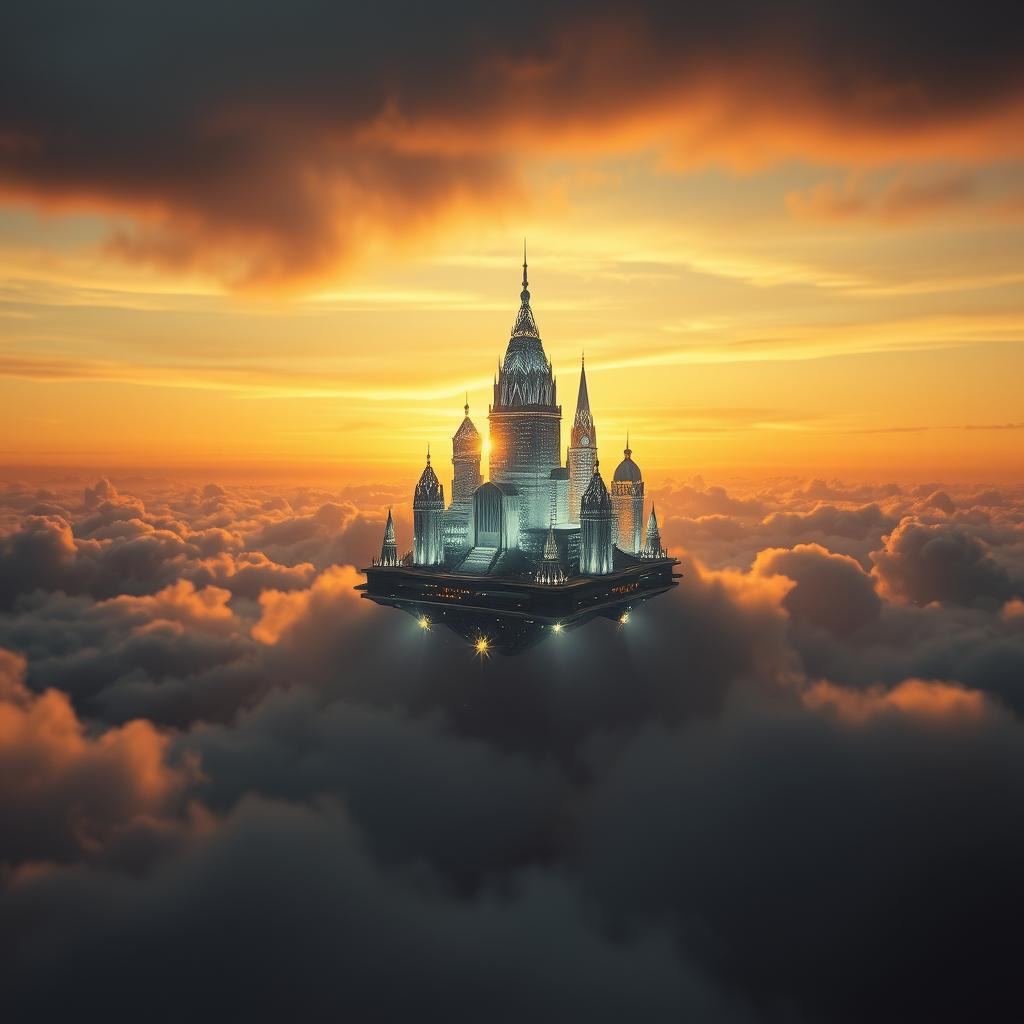 Cinematic
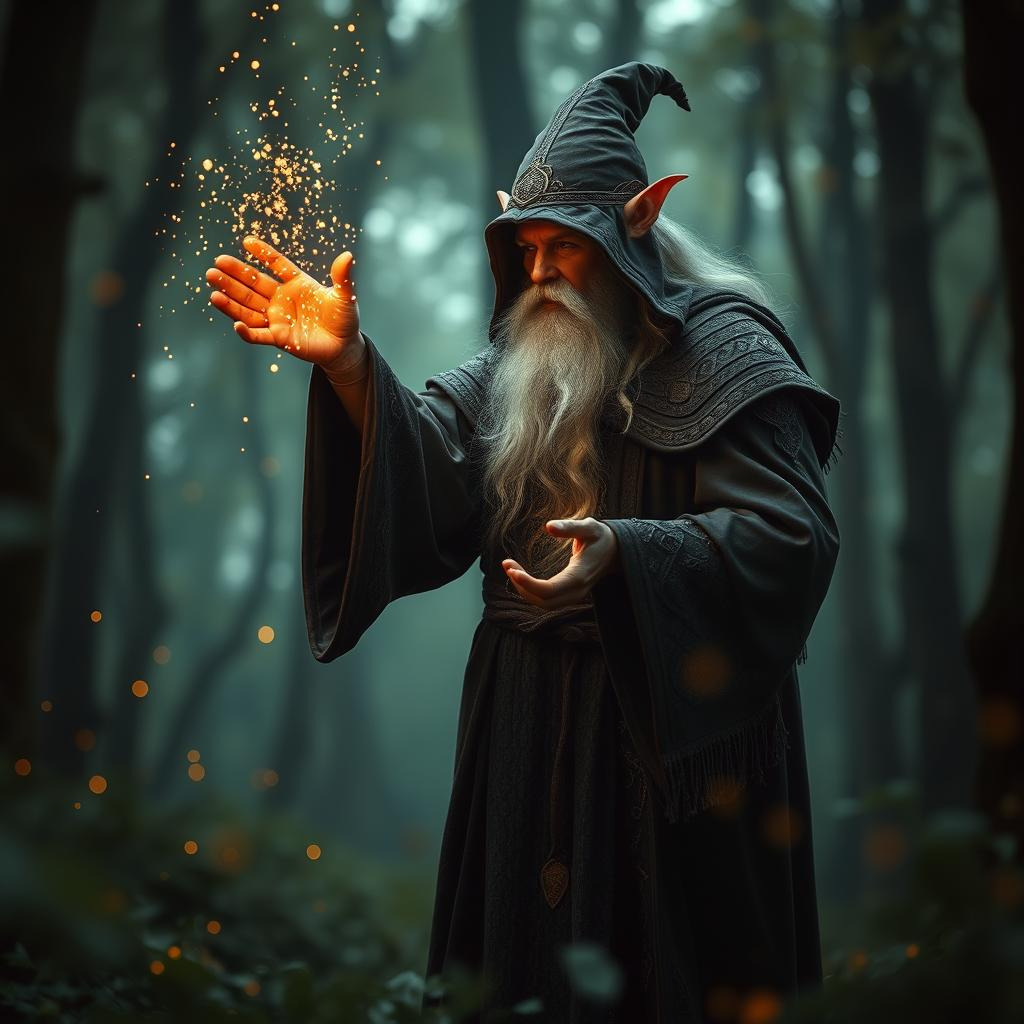 Fantasy Art
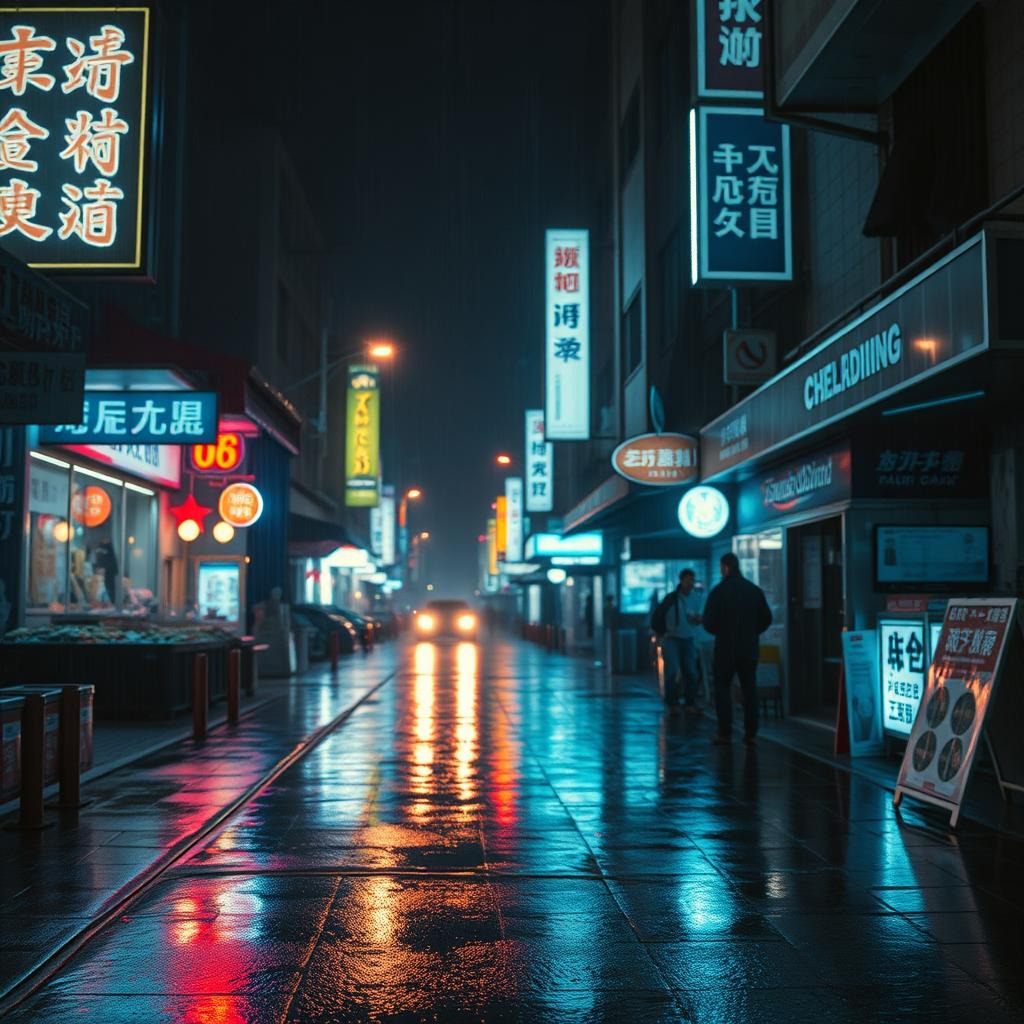 Neonpunk
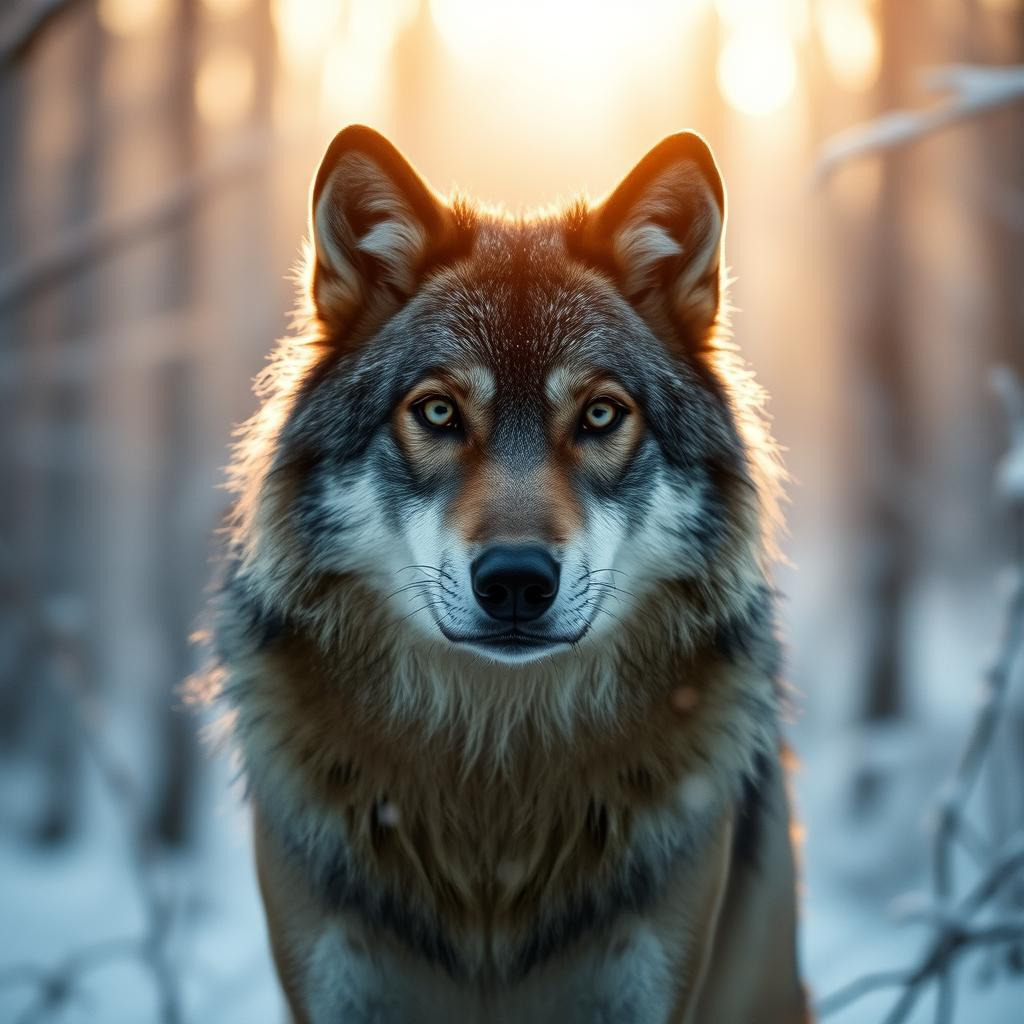 Photographic
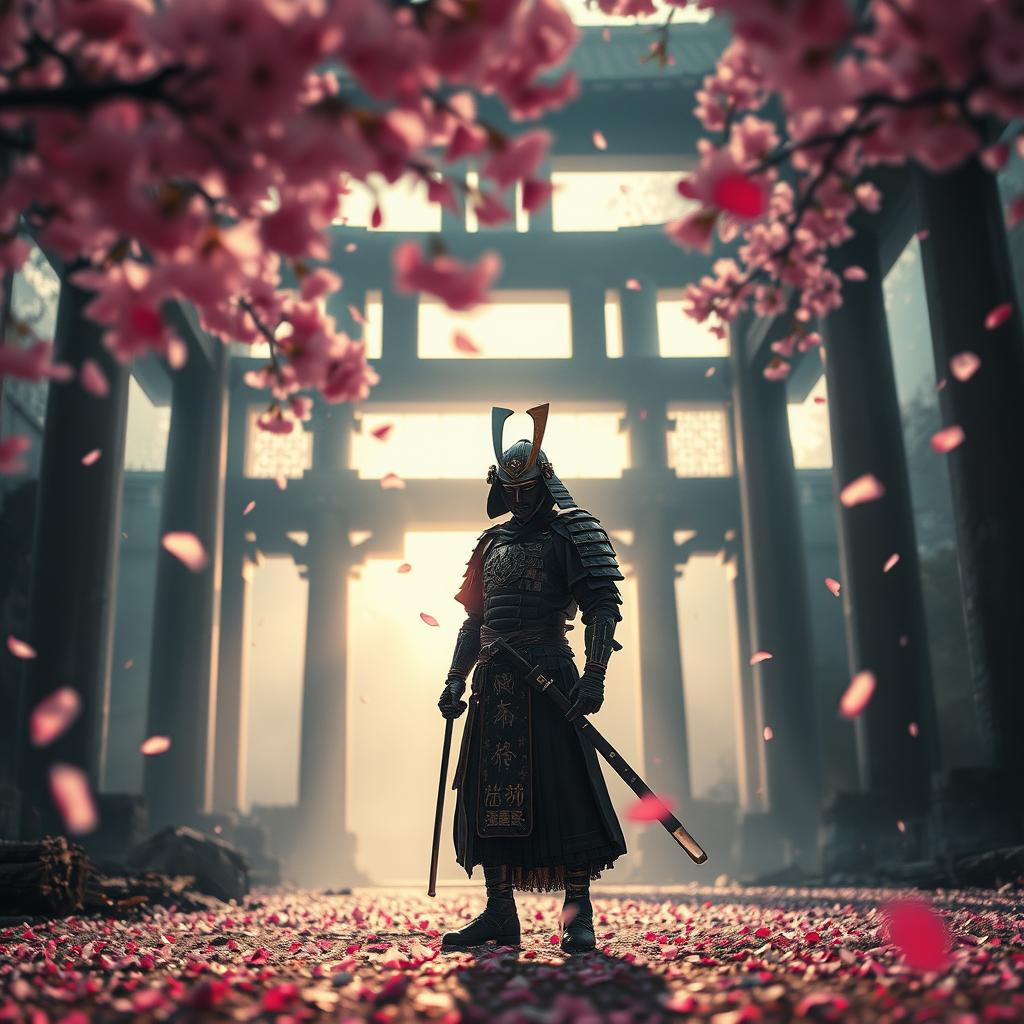 Digital Art
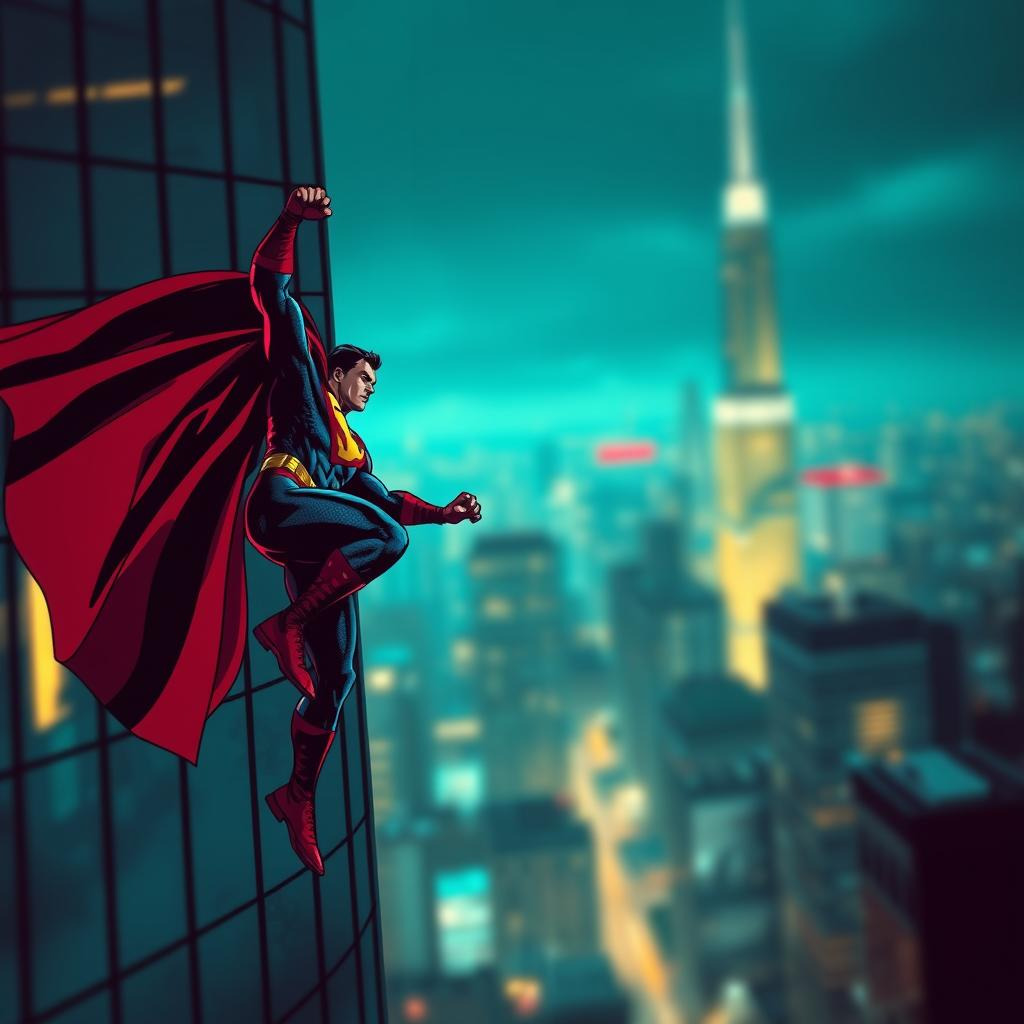 Comic BookCinematicFantasy ArtNeonpunkPhotographicDigital ArtComic Book
Six styles, one prompt. The same AI that powers your creations.
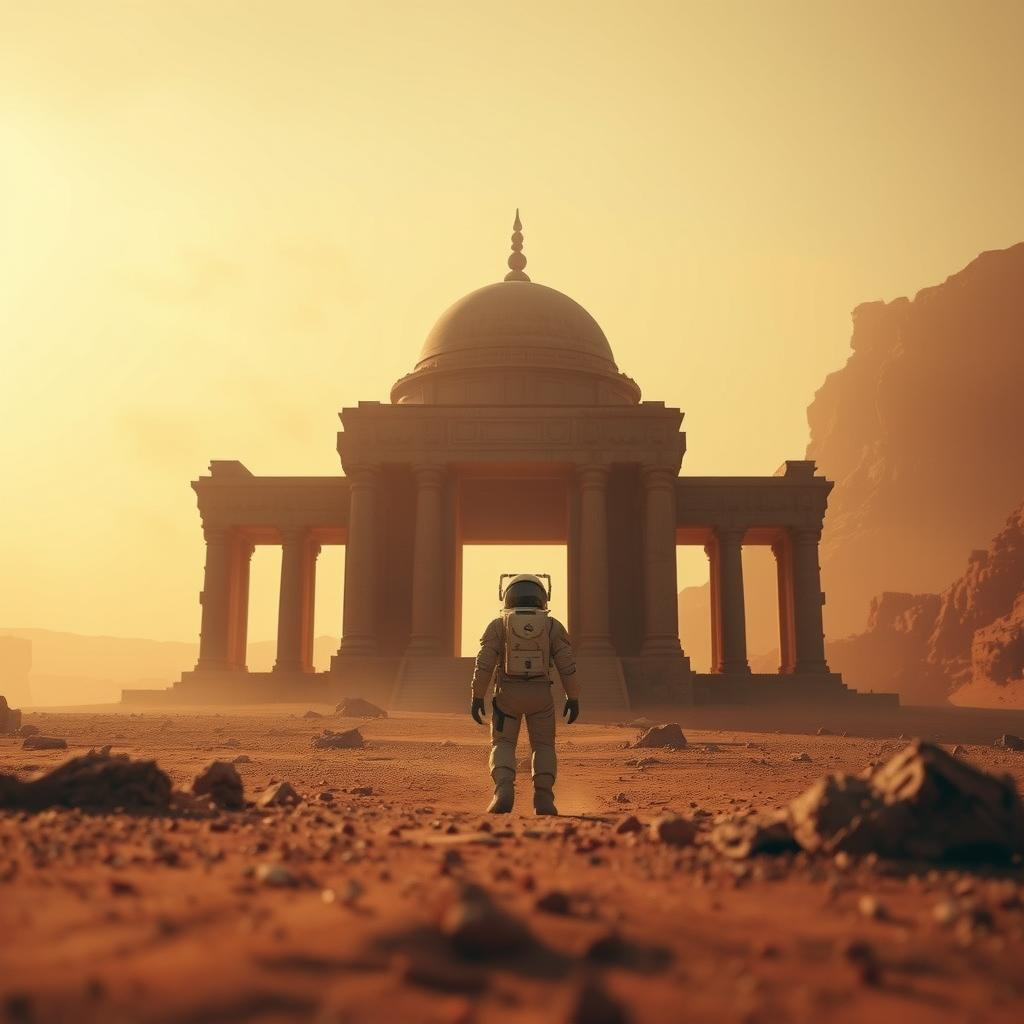
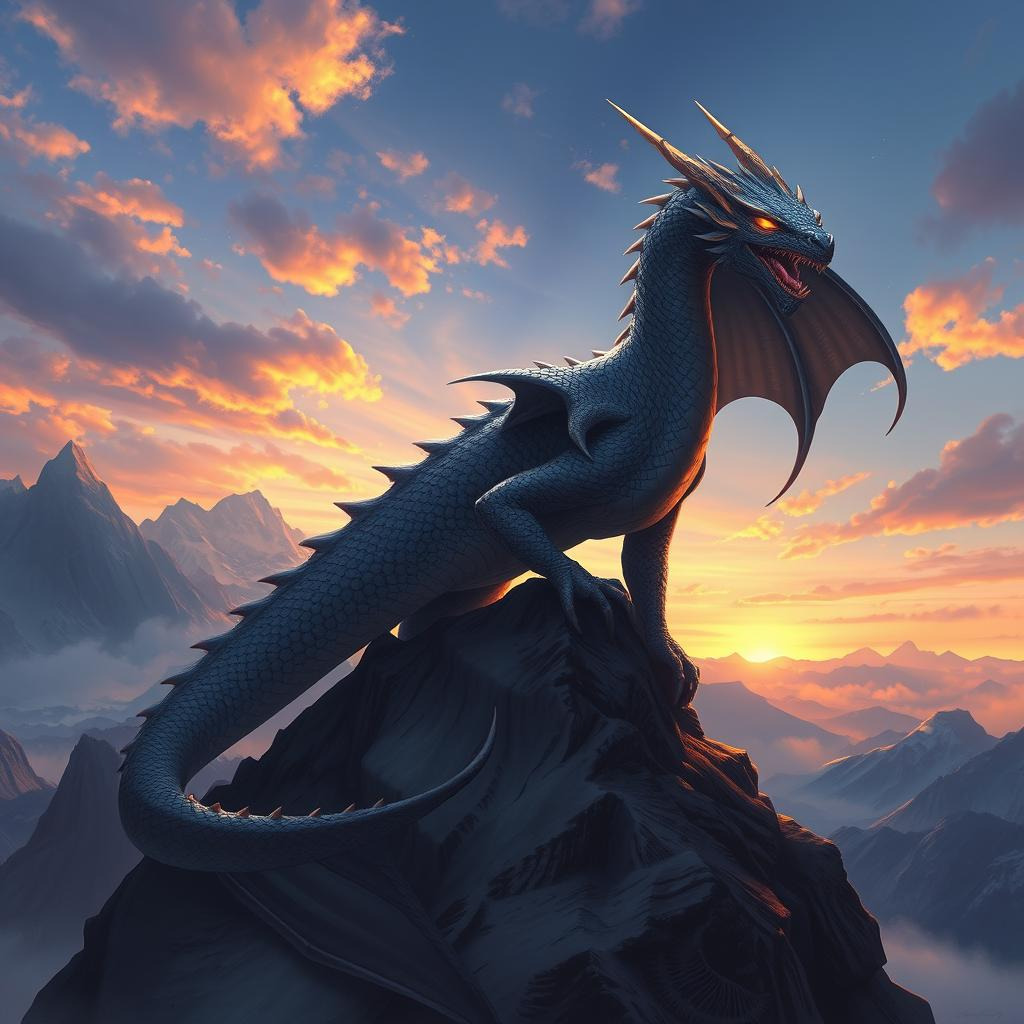
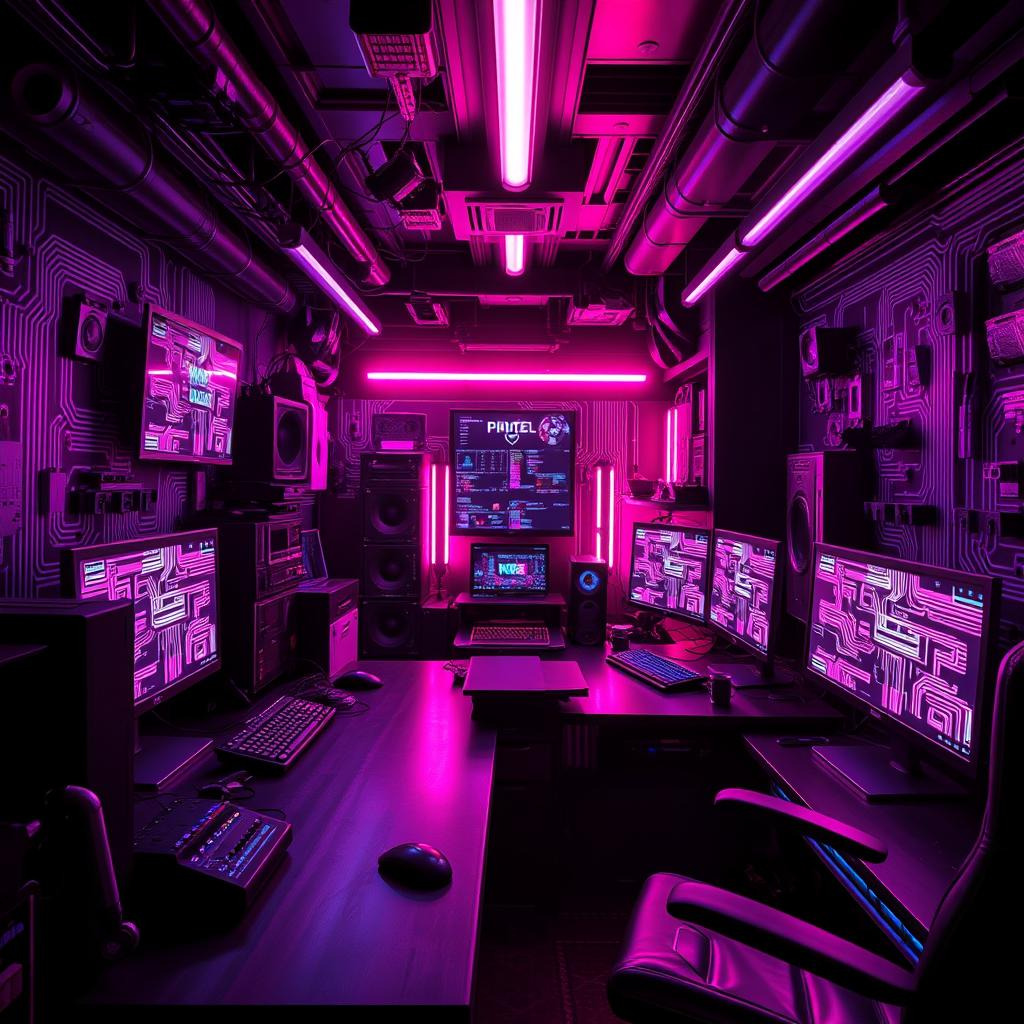
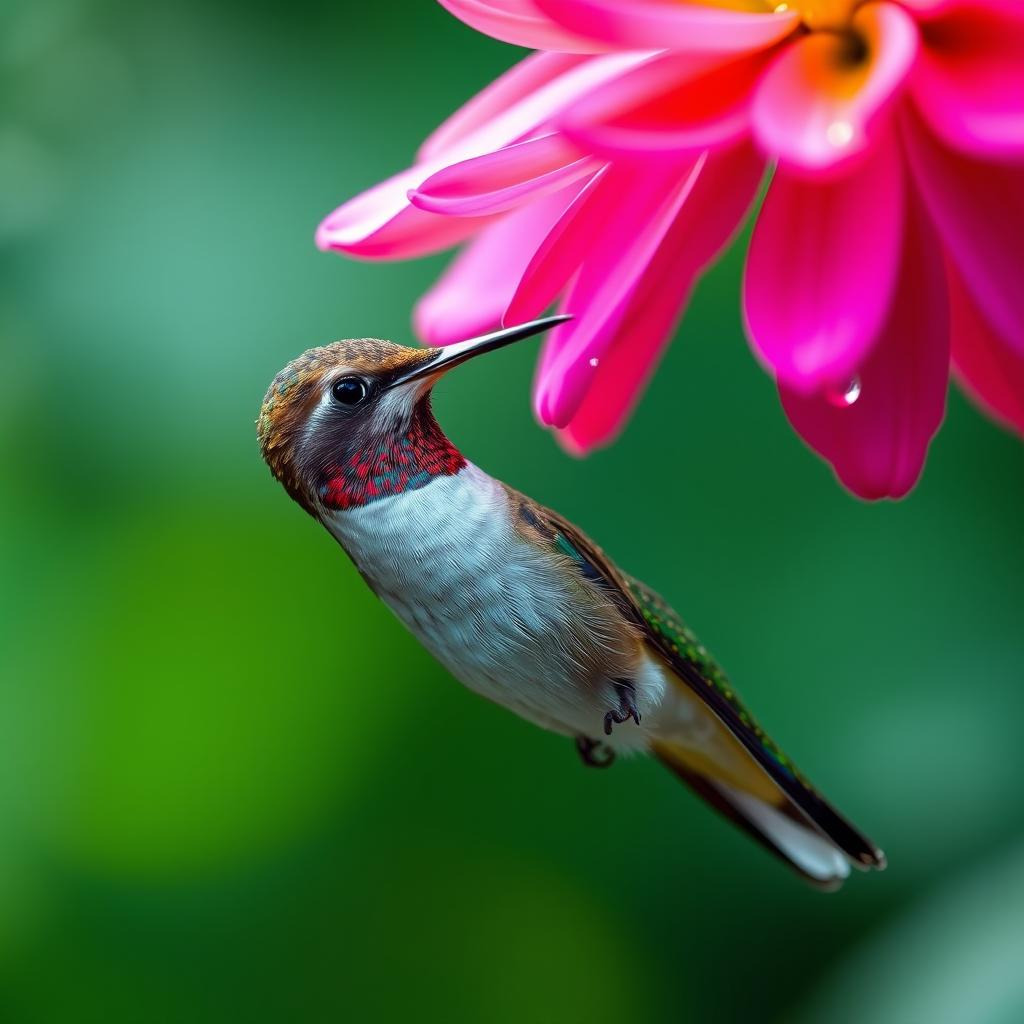
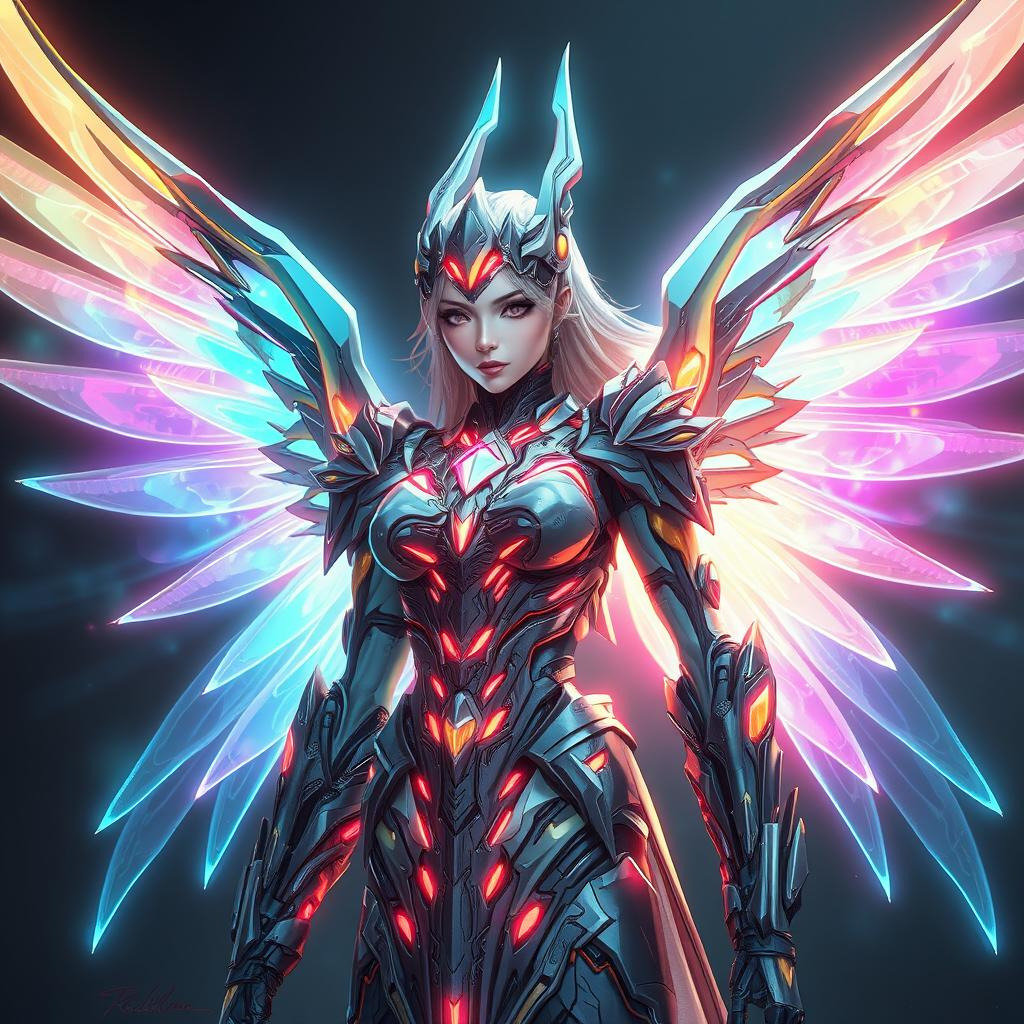
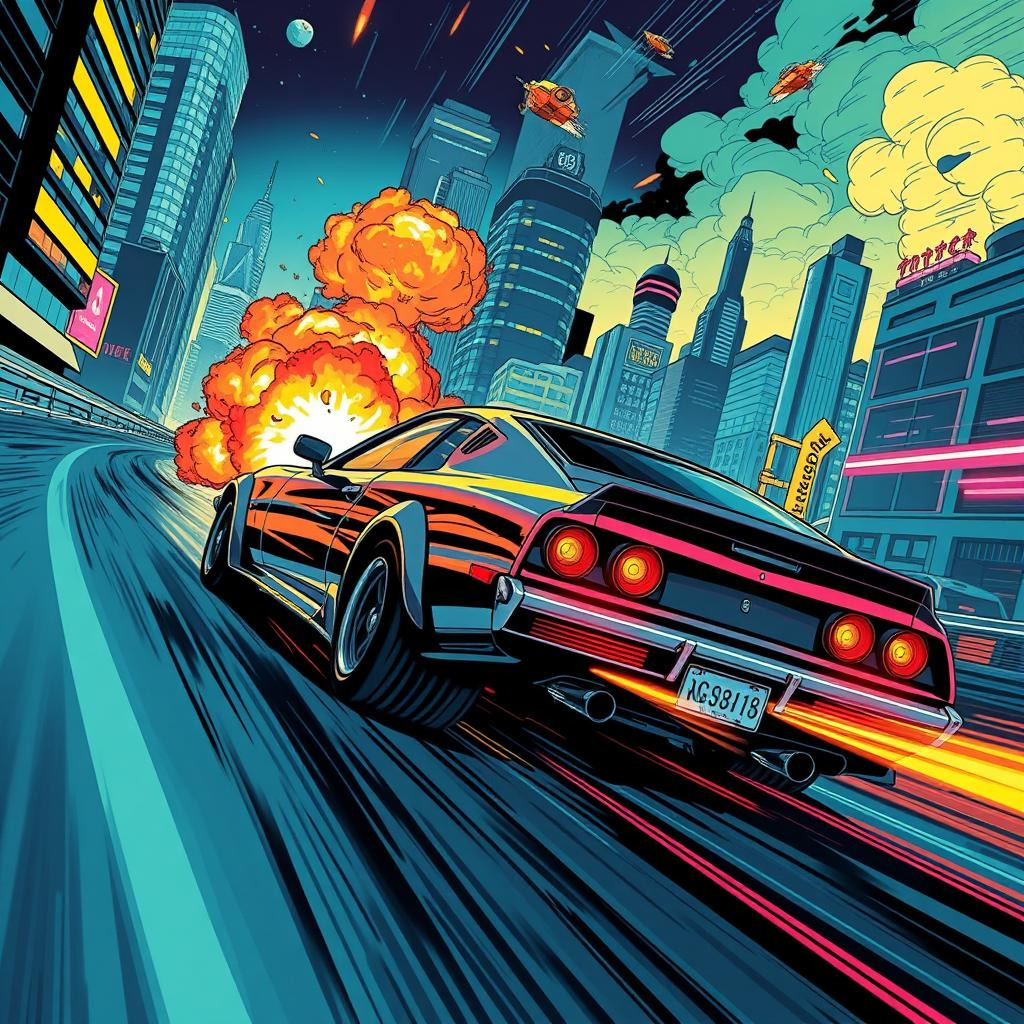
Everything you need, nothing you don't.
10+ artistic styles cinematic, fantasy, neonpunk, photographic, and more. Describe anything and watch it come to life.
Upload any image and describe your edits add objects, change backgrounds, or transform styles using natural language.
Turn stories into multi-panel visual narratives. AI extracts characters and scenes for perfect consistency across panels.
Draw directly on the canvas and let AI analyze your sketch. Free to use perfect for brainstorming and quick visual notes.
Upload an image and describe your edits. The AI understands your instructions and modifies the image accordingly — add objects, change backgrounds, or transform the style.
Upload an image you want to edit
Describe your edit in natural language
Upload a single image you want to edit. JPG / PNG, up to 10 MB.
Tell the AI what to change: "add a hot air balloon in the sky", "turn day into night", or "change the style to watercolor".
The AI processes your image and instructions, delivering an edited result that matches your vision.
Describe a story and VisionAI generates a multi-panel storyboard — perfect for comics, animations, or pre-visualizing your ideas.
Write a short story or scene description. The more detail, the better the visual result.
Select 2–8 panels and pick an art style — comic book, manga, anime, watercolor, and more.
The AI splits your story into sequential scenes and generates each panel, creating a complete visual narrative.
No prompt needed. Just draw anything on the canvas and VisionAI will analyze your sketch, describe what it sees, and help you refine your ideas.
Use the canvas tools — brush, eraser, colors, and undo — to sketch anything that comes to mind.
Add an optional text prompt to guide the AI, or let it analyze your sketch entirely on its own.
The AI vision model processes your drawing and returns a detailed description — free, no credits required.
No subscription. No commitment. Just great AI images.

Create your account
Purchase at least 5.00 CHF in credits to activate your account. Each image generation costs 0.02 CHF.
Try before you buy — get 3 free generations to test the service.
Crafting your image...